INFS 324L · Week 9 · University of Nizwa
Water segmentation and depth estimation, in Python.
The Week 9 FalajWatch panel rebuilt as a native mobile app written entirely in Python — Kivy for the interface, Pillow for the pixels, Buildozer for the APK. The same six steps as the lab sheet: threshold mask, 20 cm reference scale, four tapped levels, the 12.50 cm check. No Kotlin, no Chaquopy, no NumPy.
What the app returns
Values read from the built-in drawings in tests/test_boot.py. Changing only the threshold moves the selected-pixel percentage and leaves the depth untouched — Part E1 of the handout.
20.03 % selected
Mask only, no levels yet — message “Select all four levels.”
12.50 cm
Matches the hand calculation: 100 px × 0.125 cm/px.
21.69 % · 12.50 cm
The grey patch (brightness 115) joins the mask; the depth does not move.
10.00 cm
Waterline lower on the image means a smaller measured depth.
Screens, captured from the running app
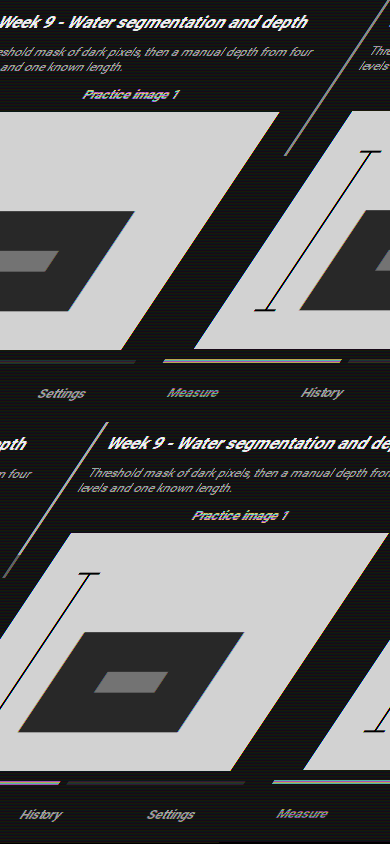
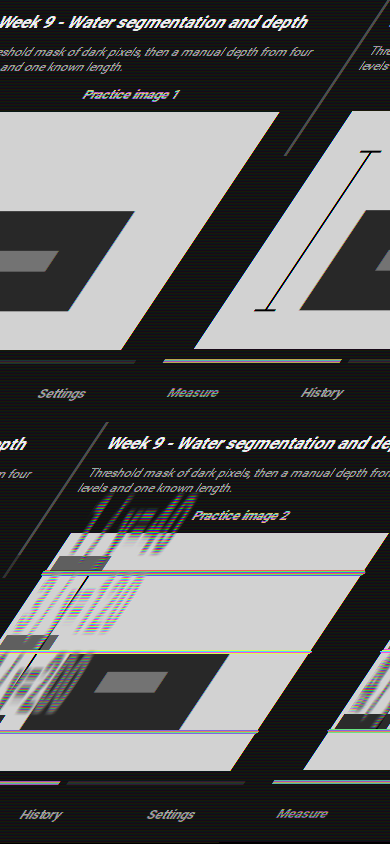
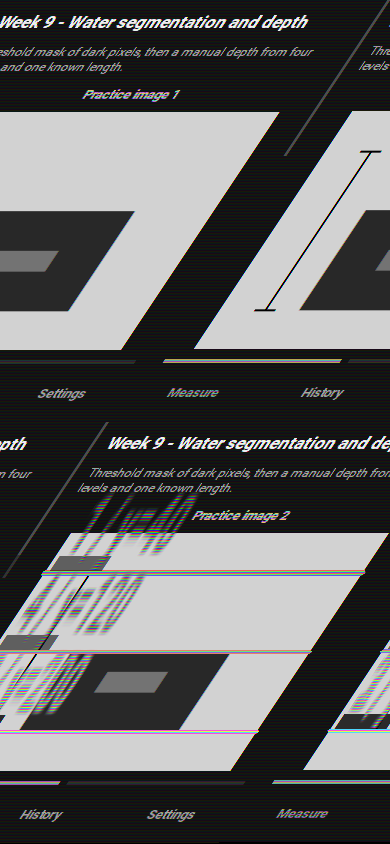
Taken from the Kivy build at 390 × 844 on a virtual display, driving the lab sequence D3 → F. The mask is drawn white-on-black; the coloured lines mark the four tapped levels.
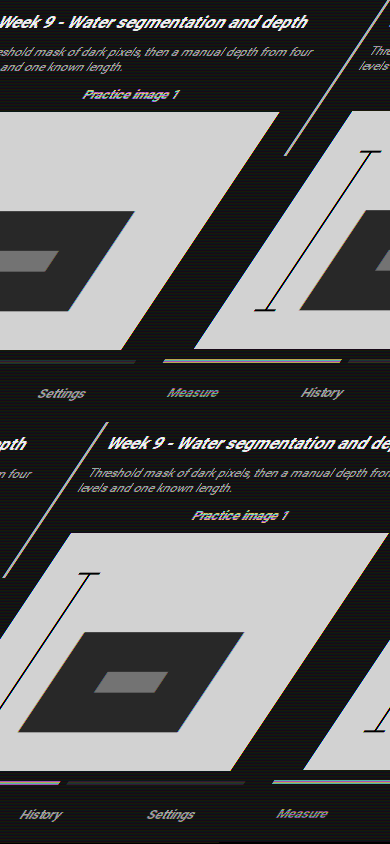 D3
Mask first, no depth
Threshold 90 · 20.03 % selected · “Select all four levels.”
D4 – D5
Four levels, then 12.50 cm
Reference top 40, bottom 200, surface 100, bottom 200.
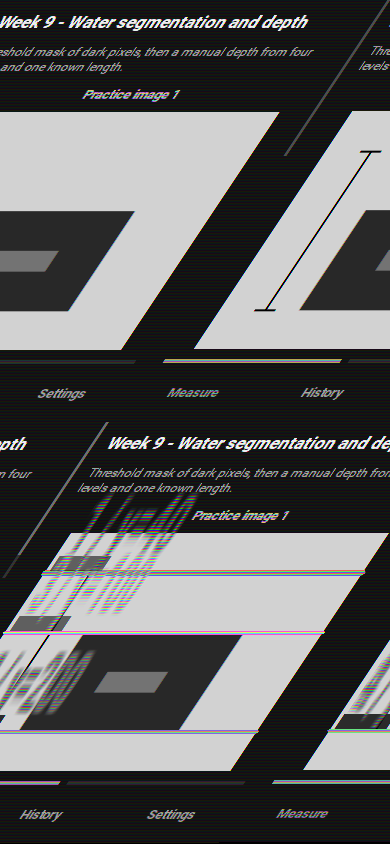 E1
Threshold 130
21.69 % selected, depth still 12.50 cm.
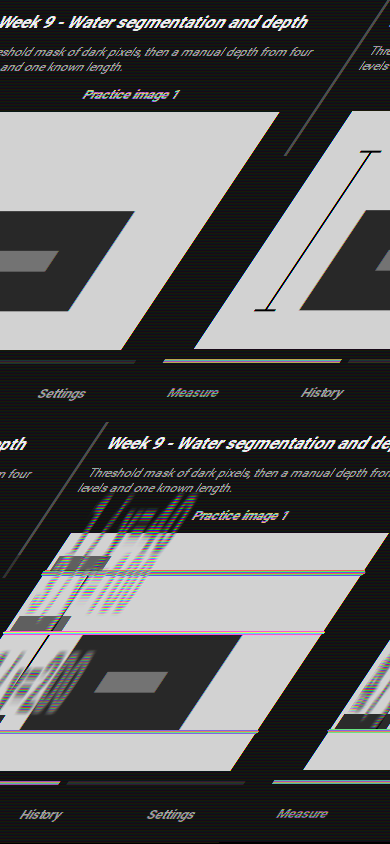 E2
Practice image 2
Surface at y=120 → 10.00 cm.
 F
A result that must not be trusted
Bottom above the surface → “Bottom must be below the water surface.”
 F
History for the results table
Every analysis is stored with its time, threshold, percentage and depth.
 A1
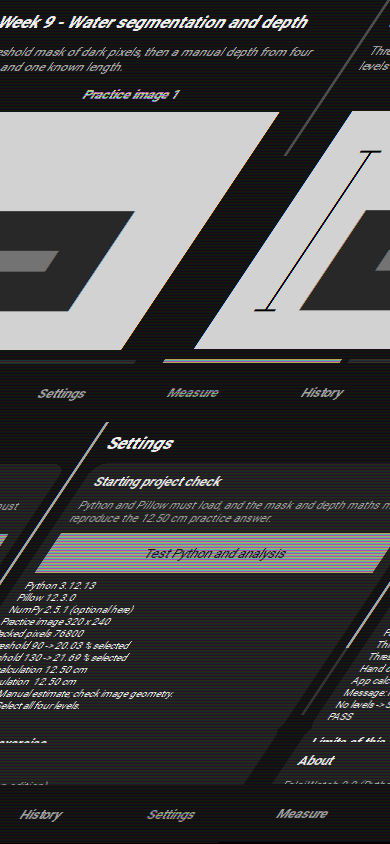
Starting-point check
Python, Pillow and the 12.50 cm maths verified on the phone → PASS.
Where each lab step lives in Python
The handout's Kotlin + Chaquopy split is replaced by one Python package; the steps and the numbers stay identical.
diagnostics.py
Settings tab runs the self-test and prints PASS.
practice.py
Builds the 320 × 240 drawing with the 20 cm / 160 px reference.
core.py
analyse_pixels() — same arguments, validation and messages as week09.py.
screens.py · ui.py · falajwatch.kv
Threshold slider, four levels, tap-to-row mapping, Analyse image.
practice image 2 · camera.py
Switch drawings or take a photo; EXIF rotation is honoured.
storage.py
History as JSON in the app's private folder, newest first.
Run it, then build the APK
The archive FalajWatch_Python_Edition.zip holds the whole project, including buildozer.spec and the two test suites.
# desktop, for development
cd python_app/FalajWatch
pip install kivy==2.3.1 pillow plyer
python main.py
# Linux or WSL2, first build downloads the SDK/NDK
pip install --user buildozer cython
cd python_app/FalajWatch
buildozer -v android debug
adb install -r bin/falajwatch-9.0-*-debug.apk
# checks that need no phone
python tests/test_core.py    # mask, depth, validation, touch mapping
python tests/test_boot.py    # builds the UI and drives D3 -> F